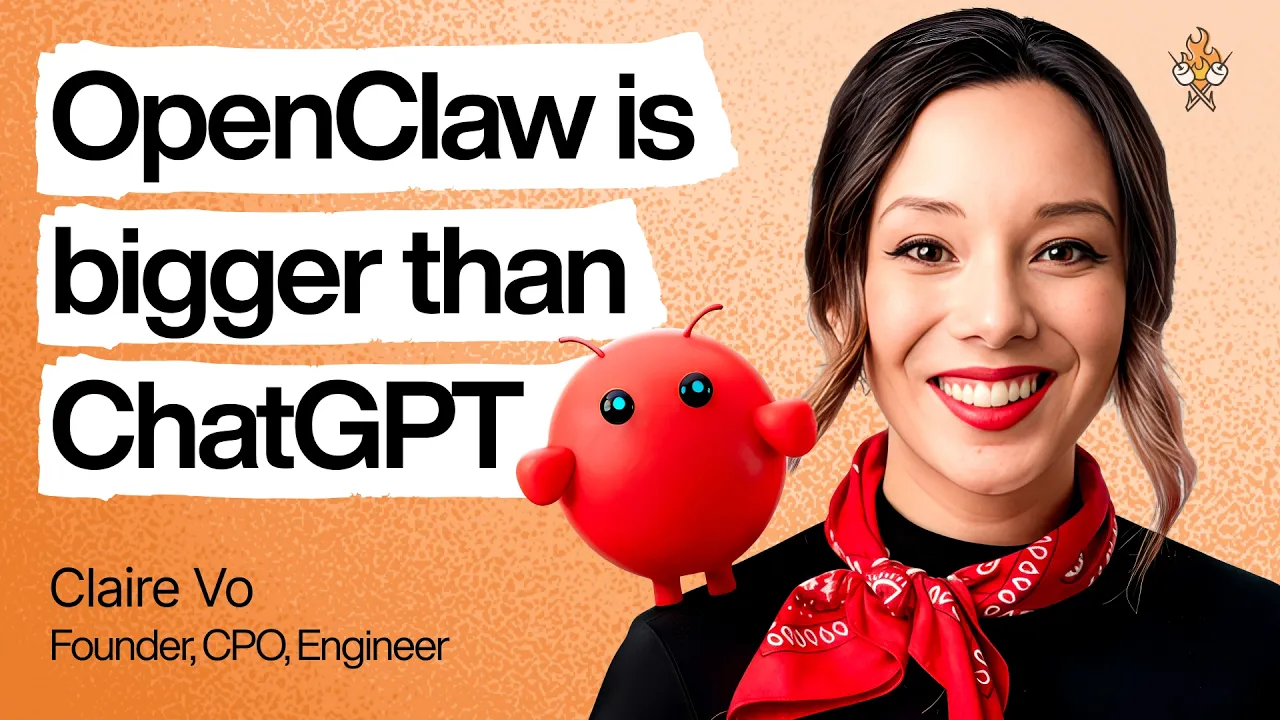
Claire Vo on OpenClaw, multiple agents, and building a real AI assistant
Published 2026-03-29 - Runtime about 107 min - Watch on YouTube
TLDR
- Claire Vo says OpenClaw became useful only after she stopped forcing one agent to do everything and split work across multiple specialized agents.
- The biggest unlock is practical automation: family scheduling, inbox triage, sales, and course management, with trust increased step by step.
Key Takeaways
- Claire Vo moved from an eight-hour install that deleted her family calendar to running about nine OpenClaw agents across three computers.
- She treats OpenClaw like an assistant with progressive trust: calendar first, then email reading, then drafting, then sending.
- Telegram is her preferred setup channel, and she says voice-note onboarding through the “Yappers API” is high-bandwidth.
- She recommends better models like Opus 46, Sonnet 46, and GPT54 for security hardening and a smoother experience.
Notes
- Claire Vo hosts How I AI, runs ChatPRD, and says OpenClaw now supports her business, podcasting, and family life.
- Her first OpenClaw install took eight hours and deleted her personal family calendar, which initially made her a skeptic.
- She says the product’s real value appeared after repeated use, not on day one or even week one.
- She now runs about eight to nine agents on OpenClaw across three Mac minis and other machines.
- She names agents Polly, Finn, Max, Howie, Kelly, Holly, Sam, and others; Sam handles sales and replaced about 10 hours a week of paid work.
- Her first default use case was a general assistant for scheduling, email, personal project management, and chief-of-staff tasks.
- The strongest fit is household coordination: three kids, two schools, a baby, three basketball leagues, soccer, ballet, and mixed work and social commitments.
- She says her husband is a major enabler because he shares house and professional responsibilities.
- OpenClaw matters to her because it is open source, so users can inspect docs and code rather than trust a closed system blindly.
- She warns about prompt injection and external instruction attacks, including malicious emails and poisoned websites that try to steal secrets.
- Her safety approach is to keep the agent personal by default, restrict channels, and expand access gradually after trust is earned.
- Setup starts on a separate computer, with Chrome, a separate Gmail account, and a local account; then you paste the install command from openclaw.ai.
- Telegram was her beginner-friendly channel choice, though she notes it requires messaging Telegram’s botfather.