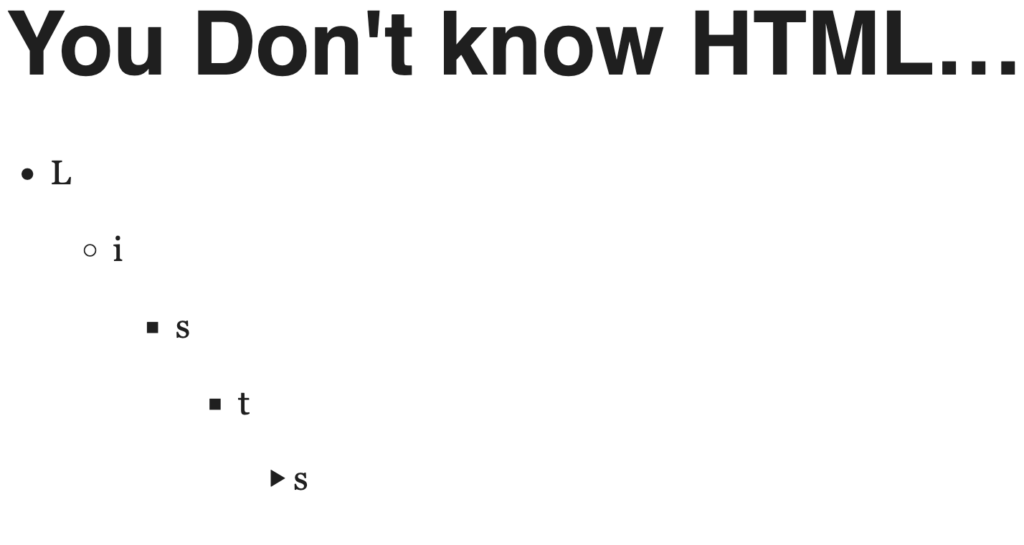
Deep-dive into all five HTML list types: <ol>, <ul>, <dl>, <menu>, and control lists via <select>/<datalist>, with semantic rules for choosing each.
Key Takeaways
Decision rule: use <select> + <option> for fixed choices, <input> + <datalist> for suggested ones, <ol> when order changes meaning, <dl> for key-value pairs, <menu> for UI action controls.
<optgroup> groups related <option> elements and accepts a disabled attribute to block selection of entire sub-groups.
<hr> is valid inside <select> for visual breaks; size attribute controls visible row count but eats into <optgroup> label space.
<datalist> pairs with <input type="range"> to create labeled stops, but cross-browser CSS for positioning requires separate attr() and ::before workarounds for Firefox vs. Chrome.
Avoid putting value attributes on <datalist><option> elements: the value appears in the input on selection while the label text only shows in the dropdown, confusing users.
Hacker News Comment Review
<datalist> reliability is the main practical concern: commenters flagged broken behavior on mobile Safari, with one noting it lacks enough API surface for production use beyond prototypes.
optgroup disabled does not work correctly in mobile Safari, possibly a browser bug, despite caniuse listing support for the attribute.
There is broad agreement that most working front-end developers are unaware of <dl>, <menu>, and <datalist> semantics, partly attributed to React-first learning paths and LLM-generated code bypassing raw HTML.
Notable Comments
@montroser: warns datalist lacks hooks for real production use; fine for prototypes only.
@nektro: notes <menu> is unknown to most, questioning why frameworks have not adopted it.